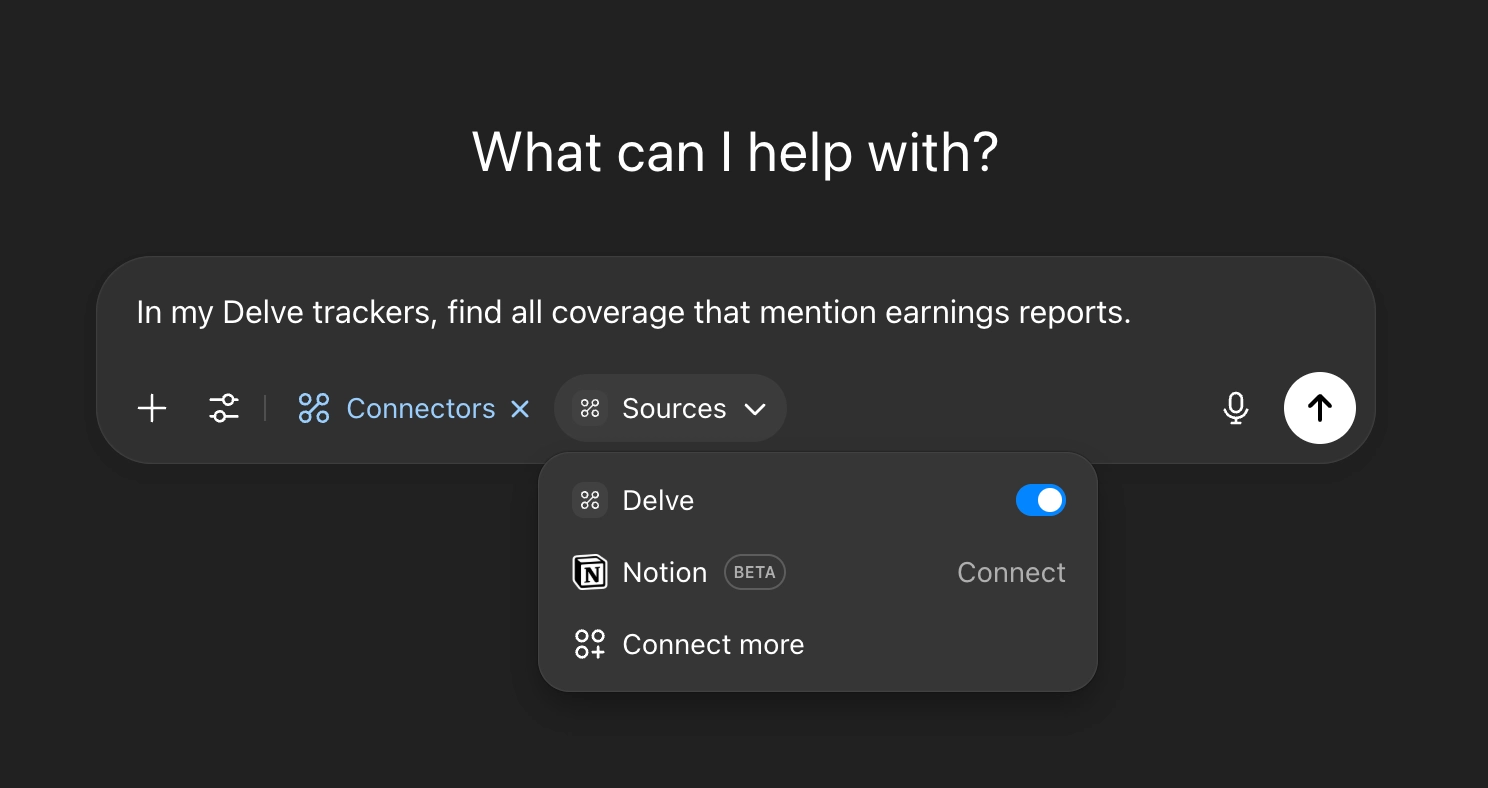
Connecting Delve to ChatGPT: Limited Access
On Business, Enterprise, or Education plans, you’ll need your workspace administrator to set up new custom connectors.
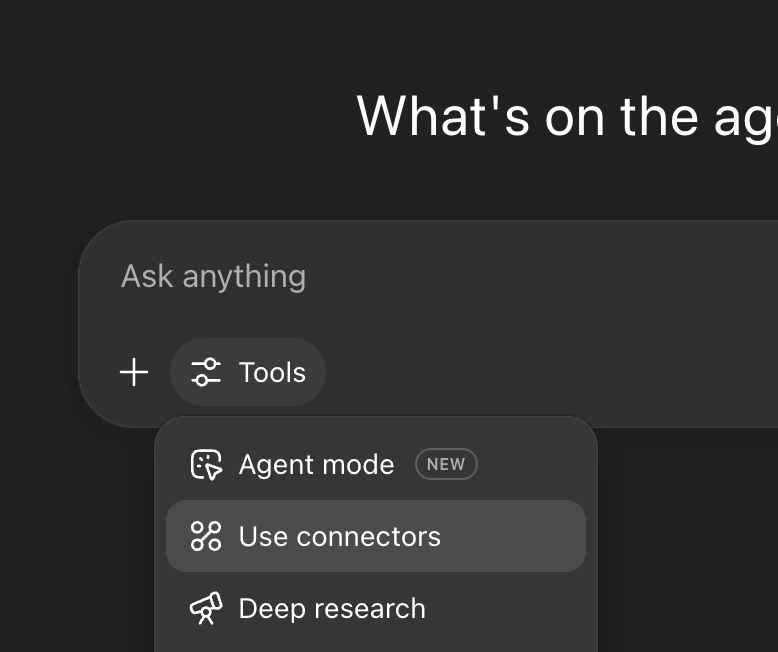
Click “Tools”, then “Use connectors”.
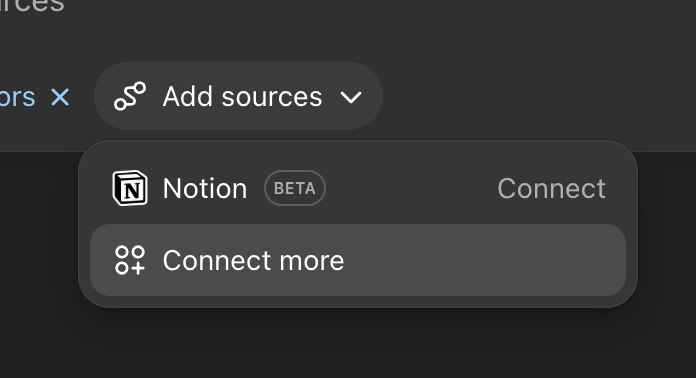
Click “Add sources”, then “Connect more”
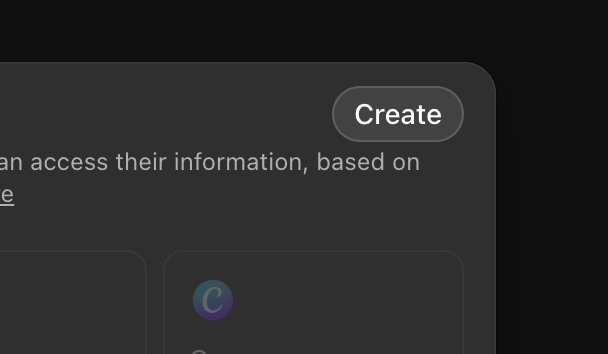
Click “Create” in the top right corner
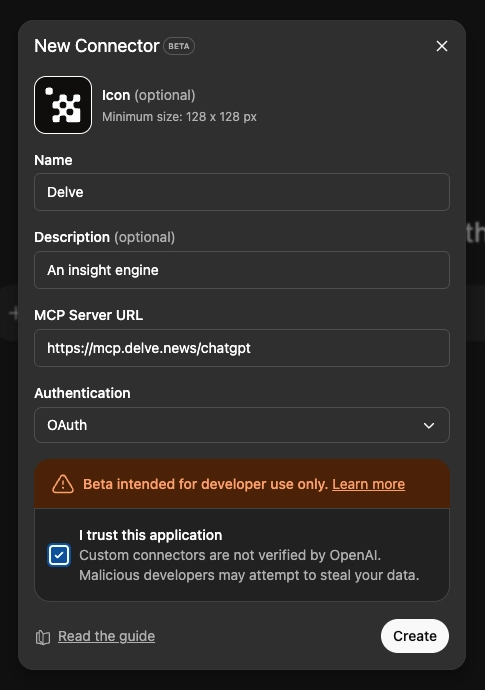
Give your Delve connector a name (and optional icon & description). In the “MCP Server URL” field, enter: https://mcp.delve.news/chatgpt
Leave other settings (Authentication) as-is, then click “Create”.
Grant ChatGPT access to your Delve account.

You’re all set! Next time you start a chat session, ensure Delve is enabled in your “Sources” section.